Every Copy, Saved
Every time you hit copy, ClipKeep saves it automatically. Text, links, snippets - everything goes into your personal clipboard history. Search it in seconds, click to paste. No setup, no account, no clutter. 100% free.


Every time you hit copy, ClipKeep saves it automatically. Text, links, snippets - everything goes into your personal clipboard history. Search it in seconds, click to paste. No setup, no account, no clutter. 100% free.
Precision-engineered tools to manage your digital workflow without the clutter of traditional clipboard managers.

ClipKeep holds onto the last 200 things you copied - text, links, snippets - so nothing slips away.

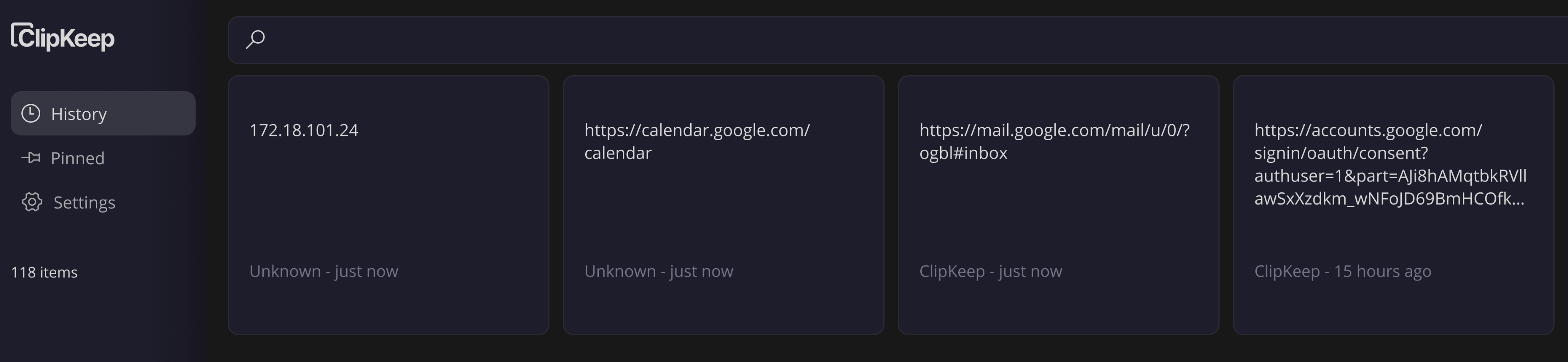
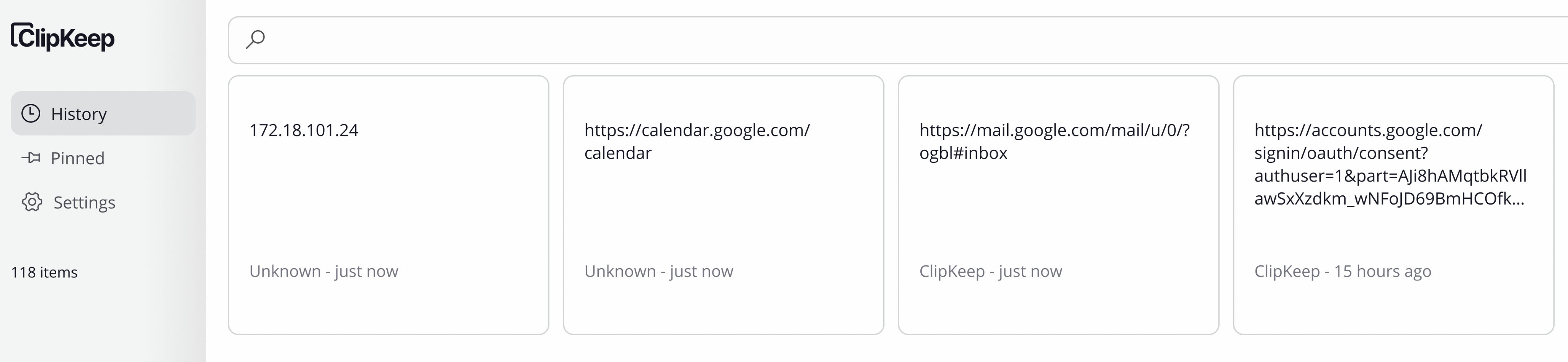
Switch between a clean light interface or an easy-on-the-eyes dark mode. Your choice, always

Save your most-used snippets and organize them into folders so they're always at the top when you need them.

Press your hotkey and your full clipboard history pops up instantly - no clicking through menus.

Yes, ClipKeep is a completely free desktop application. Our mission is to build great tools for others to use without hidden fees or subscriptions.

Everything is stored locally on your computer. We have no servers for your clipboard data, ensuring maximum privacy and speed.

ClipKeep saves text that you copy - anything from passwords and URLs to code snippets and notes. Just copy as usual and ClipKeep handles the rest.